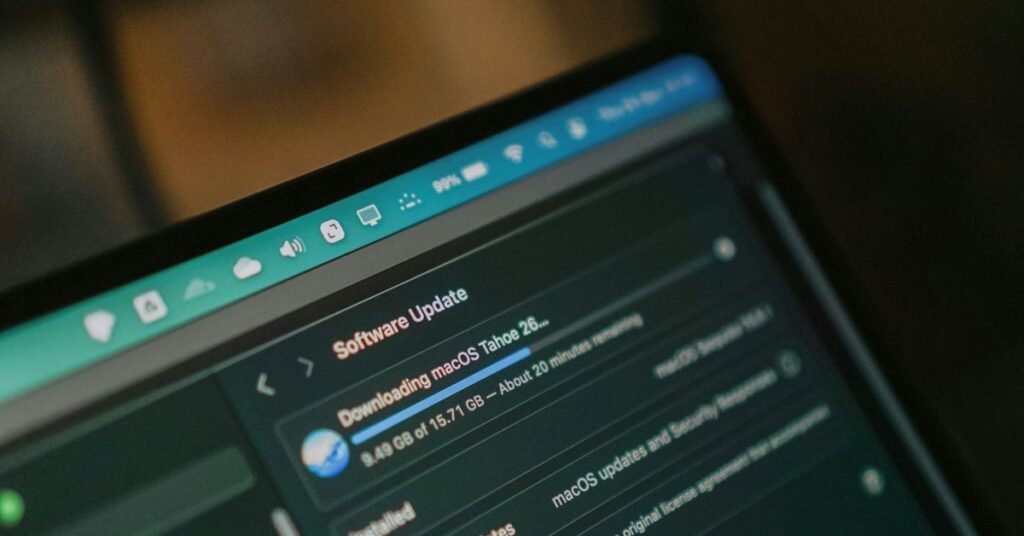
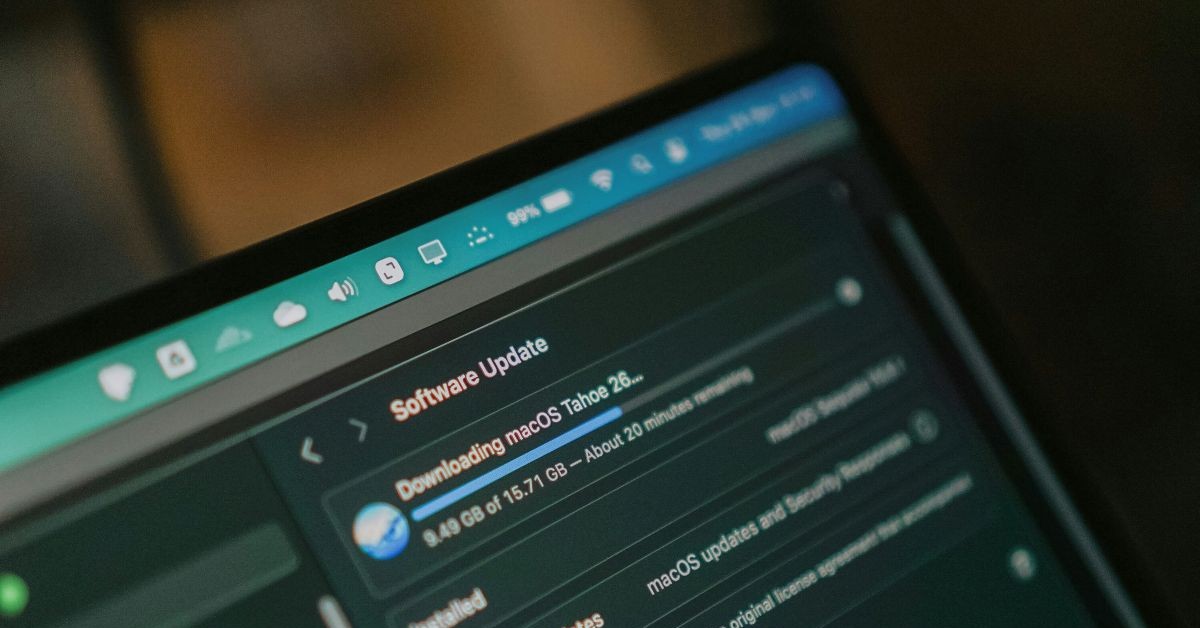
“Patching” means updating the software on your devices. It’s one of the most important things you can do to protect your organisation from attackers, because updates often fix security vulnerabilities that criminals can exploit.
Fortunately, many of the systems we use every day can now update themselves. Your operating system (such as Windows), antivirus software, and web browser should all be configured to update automatically.
This has become even more important because, as we highlighted back in May, the volume of security updates has increased dramatically. Much of this is thanks to AI. Software vendors are using AI tools to identify security flaws, including vulnerabilities that may have existed unnoticed for many years.
That’s good news. Problems are being discovered and fixed faster than ever before.
The challenge is that attackers are also using AI. They’re using it to find vulnerabilities and develop exploits much more quickly than was previously possible. Organisations now have less time than ever to react once a security flaw becomes public.
Here are a couple of examples from a recent SANS NewsBites update:
“On Tuesday, August 11, Microsoft released security updates to address a total of more than 400 vulnerabilities. Of those, 62 are rated critical, one is being actively exploited, and two were disclosed prior to Microsoft’s updates.”
Seperately:
“Researchers from Defused Cyber reported on August 12 that they observed a proof-of-concept (PoC) exploit being used against their honeypots within 24 hours of Rapid7 publishing it.”
Neither of these examples is unusual anymore. The number of vulnerabilities being discovered across the software we all rely on is rising rapidly, while the time it takes criminals to begin exploiting them is shrinking.
That means updating systems needs to be both prompt and comprehensive. It’s not just your primary work devices that matter. What about that tablet sitting in a drawer? That old laptop used for occasional events? Do all the applications on those devices update automatically, or do some require someone to click an “Update” button?
At Lamplight, we have automated processes in place to apply updates, test patches, and regularly review patching status across our systems. Most updates are applied automatically, but we can also accelerate deployment if a critical security update needs to be installed urgently.
What can you do?
How confident are you that your organisation is keeping up with security updates?
A few simple checks can make a significant difference:
- Confirm that automatic updates are enabled for operating systems, antivirus software, and web browsers across all devices.
- If you use an outsourced IT provider, understand their patching process. How quickly are security updates applied? How can you verify that this is happening?
- Know what software is being used within your organisation. If you don’t know what’s installed, it’s difficult to know whether it’s being updated.
- Review the security assurances provided by your key suppliers, particularly providers of critical systems such as your CRM. Do they have evidence that their systems are regularly patched and independently assessed?
Assurance should be more than promises. As the saying goes, “trust, but verify”. Look for independent audits and recognised certifications such as Cyber Essentials or ISO 27001 as a starting point.
You can review Lamplight’s ISO 27001 certification on our security page. We’re audited by BSI, one of the organisations involved in developing ISO standards and widely recognised for its rigorous approach to assessment.
It’s also worth checking the scope of any certification your suppliers hold. Our certification covers the entire organisation and everything we do, which is not always the case. While it’s important that infrastructure providers such as AWS maintain high security standards, that’s only part of the picture. Make sure your suppliers have appropriate security management practices in place themselves, rather than relying solely on the credentials of their own suppliers.
Photo by Herry Sucahya on Unsplash